6. FRCap in WebApp
6.1. FRCap management
Select “System Settings” -> “FRCap Management” in the WebApp. The page ribbon contains:
FRCap import: Click the “Import” button to upload;
Backend management: includes “Creation Wizard” and “Backend Management” tools;
FRCaps information list and operations.
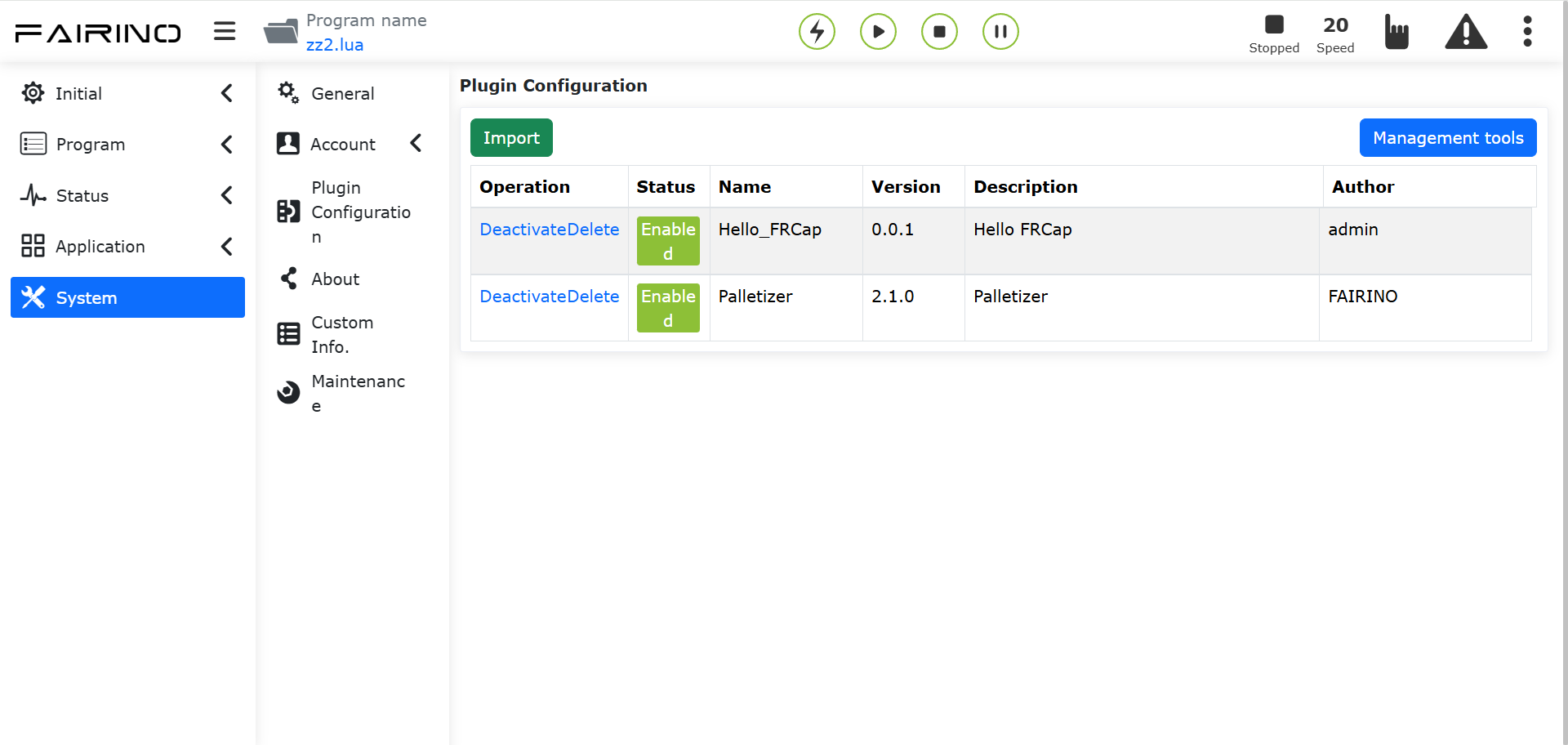
Figure 6-1 FRCap management page functional area
6.2. Configuration class usage
The path to configure class FRCap is “auxiliary application” -> “FRCap” -> “[FRCap name]” in the robot WebApp.
6.3. Application class use
Application class FRCap is “auxiliary application” -> “[FRCap name]” in the robot WebApp .