17. Appendix
17.1. Source Code Download
On the Fairino documentation site (https://fairino-doc-en.readthedocs.io/latest/), locate the “Resources Download” section, click the “CPP SDK” button, then click “FAIRINO CPP SDK” on the right page and wait for the browser to complete the download.
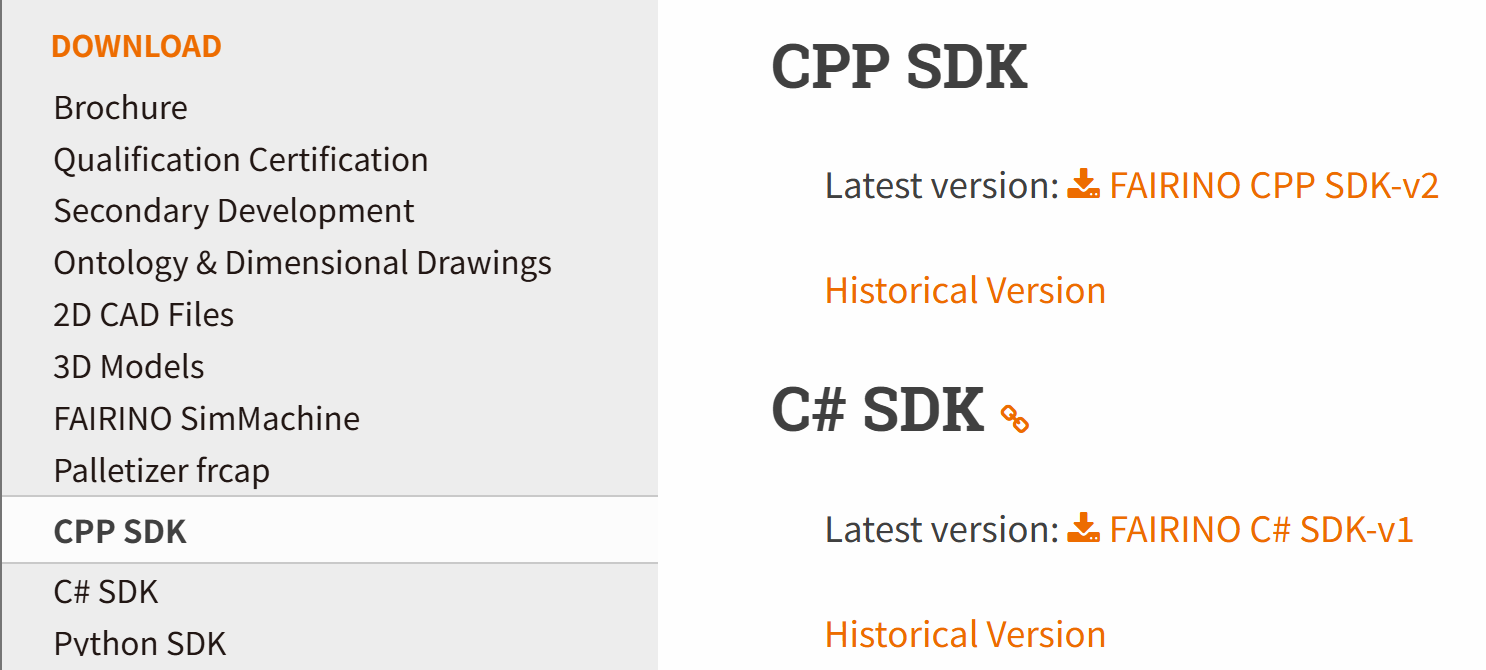
Figure 15.1‑1 C++SDK Source Code Download
After extracting the package, the directory structure is as shown below, including:
windows: Header files and library files (.lib and .dll) compiled for common environments like VS2015~VS2019, including both Debug and Release modes
linux: Header files and library files (.so) for common environments like gcc, rk3399, rk3568
libfairino: C++SDK source code
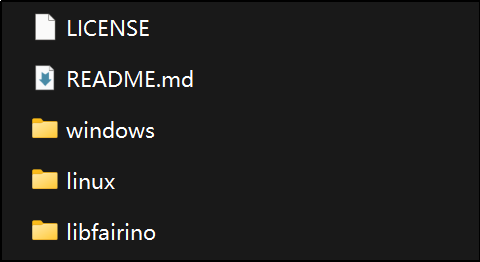
Figure 15.1‑2 C++SDK Source Directory
17.2. Windows Platform Compilation
① Open Visual Studio, click “Continue without code” at bottom right;
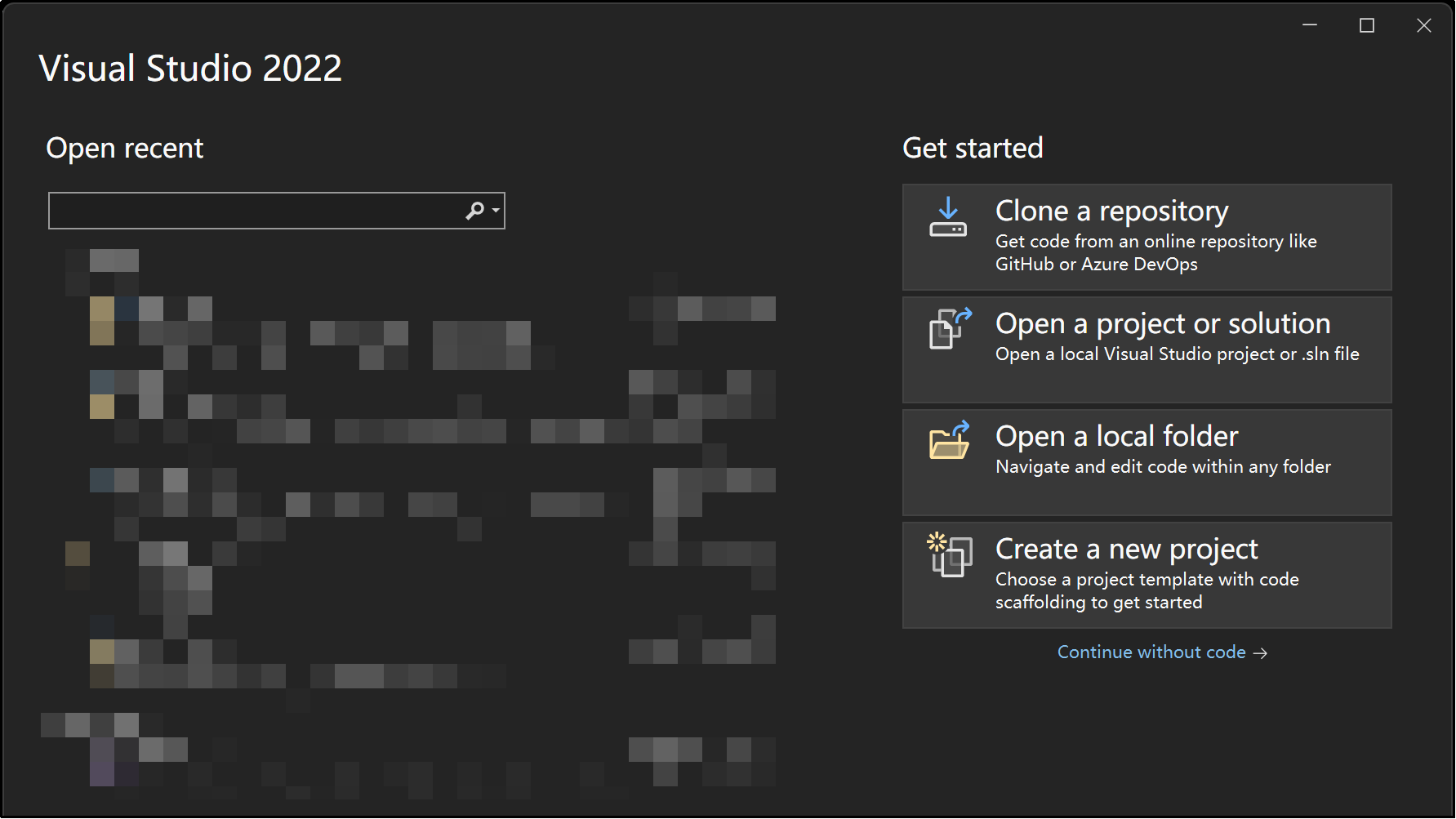
Figure 15.2‑1 Opening Visual Studio
② Navigate to “File” → “Open” → “CMake”, select the “CMakeLists.txt” file from the downloaded C++SDK source code (libfairinoCMakeLists.txt). Visual Studio will automatically load the project based on CMakeLists.txt definitions.
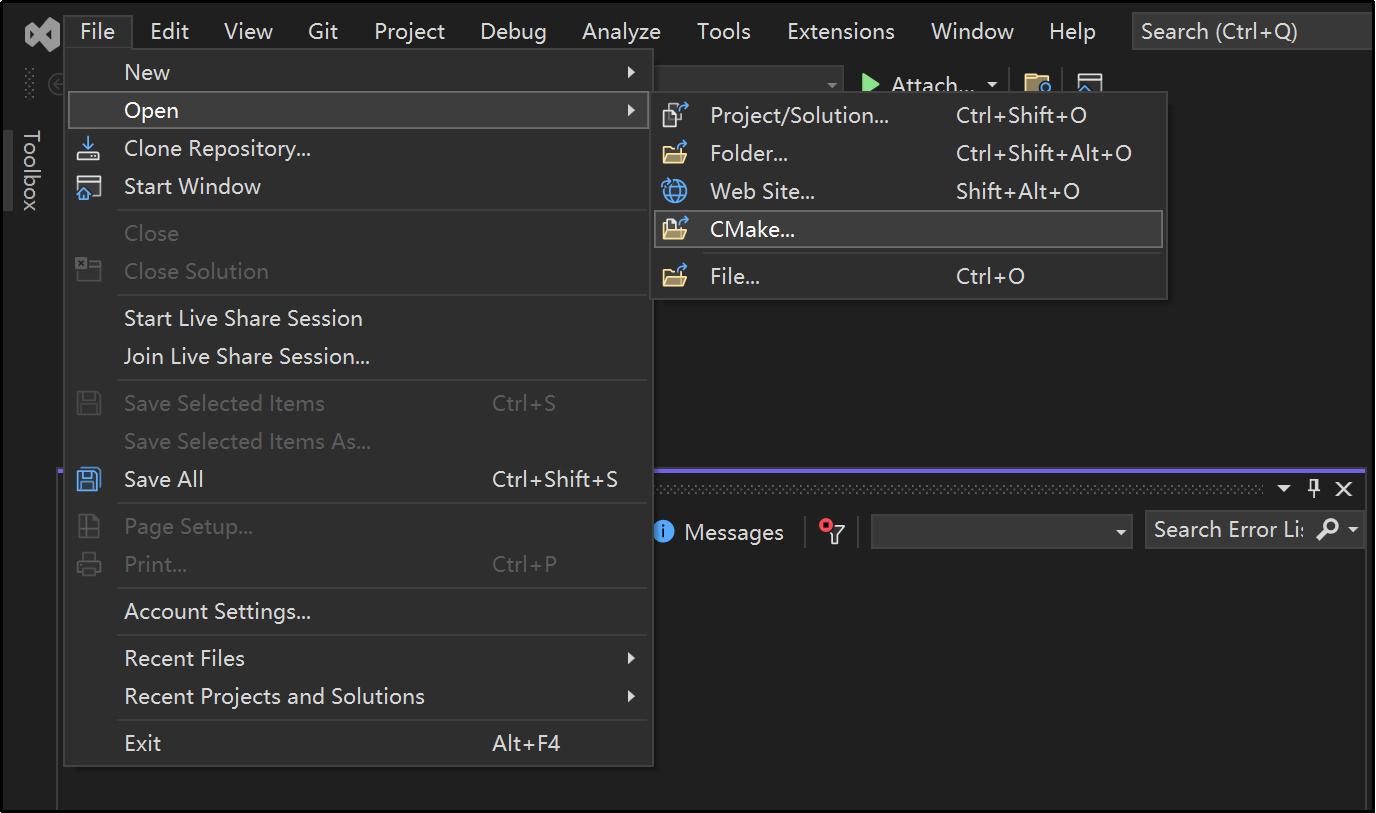
Figure 15.2‑2 Opening CMake Project
③ Select build platform (“x64-Debug” or “x64-Release” etc.) and set startup item to “fairino.dll”.
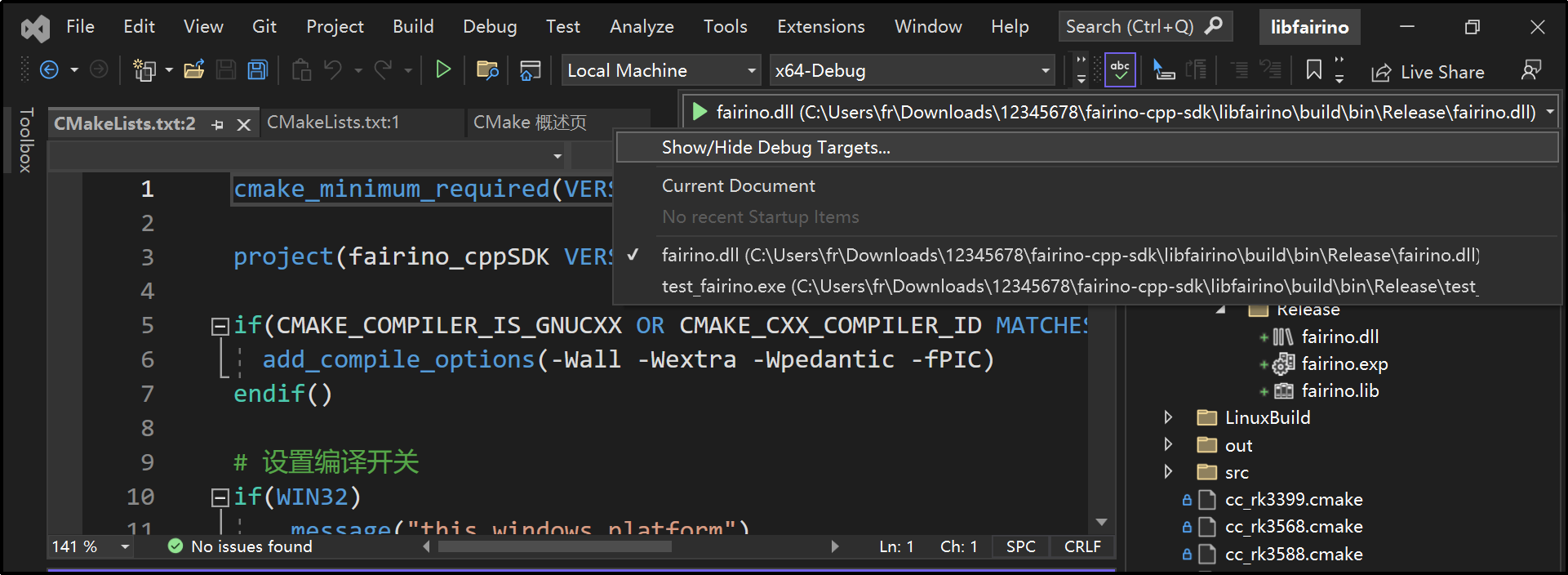
Figure 15.2‑3 Selecting Startup Item
④ Navigate to “Build” → “Rebuild fairino.dll” in the menu bar to start compilation.
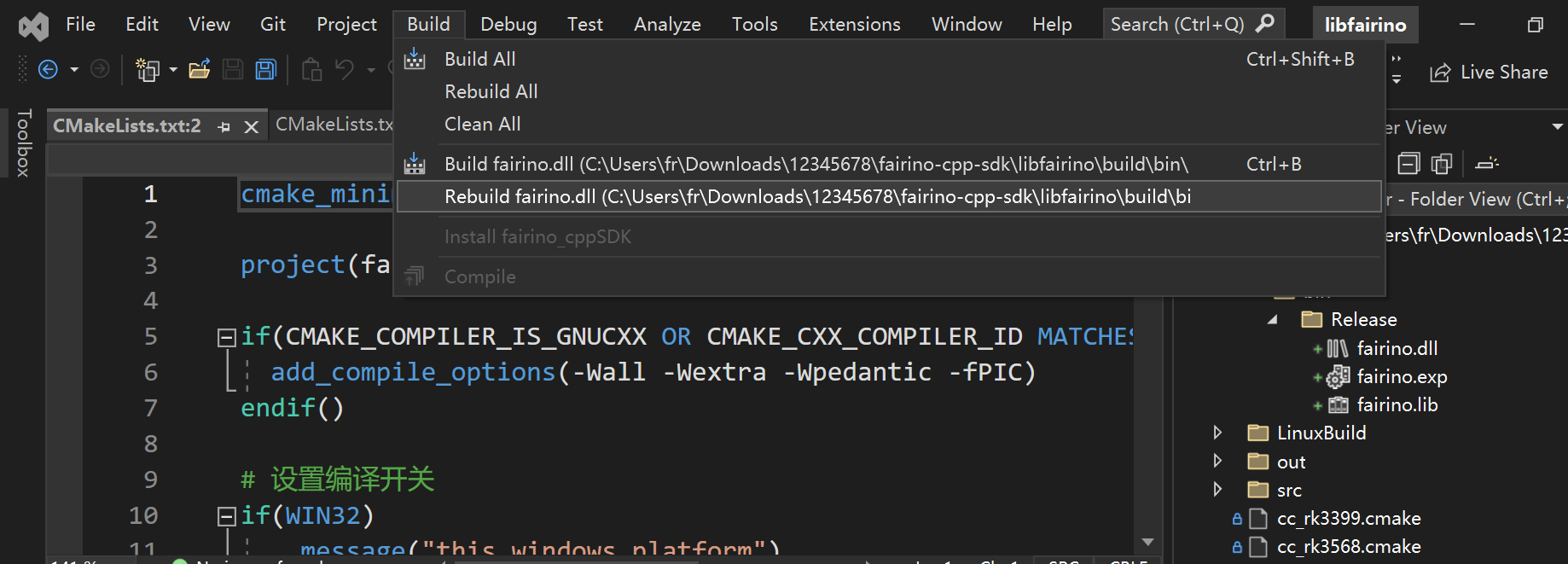
Figure 15.2‑4 Building fairino.dll
⑤ Locate the compiled fairino.dll and fairino.lib files in the “build” folder under project directory.
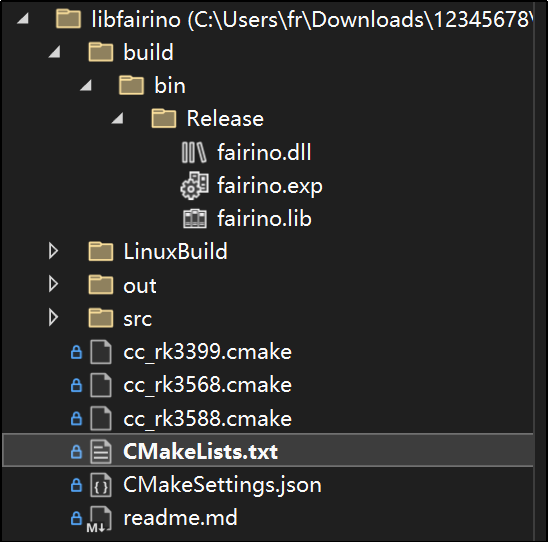
Figure 15.2‑5 Locating fairino.lib and fairino.dll
⑥ To use the C++SDK: First copy the three header files (“robot.h”, “robot_error.h”, “robot_type.h”) from libfairinosrcincludeRobot-CNto your project directory. Add fairino.lib to link libraries, then place fairino.dll in the executable directory.
17.3. Linux Platform Compilation
Before compiling on Linux, ensure gcc, g++ compilers and cmake build system (v3.10+) are installed.
The “buildGcc.sh” script in libfairinolinuxBuildcontains commands for: “cmake..”, “make”, and copying final header/library files to linuxBuild. Execute this script to compile the C++SDK.
① Open terminal, navigate to libfairinolinuxBuild, execute: “sh buildGcc.sh” and wait for completion.
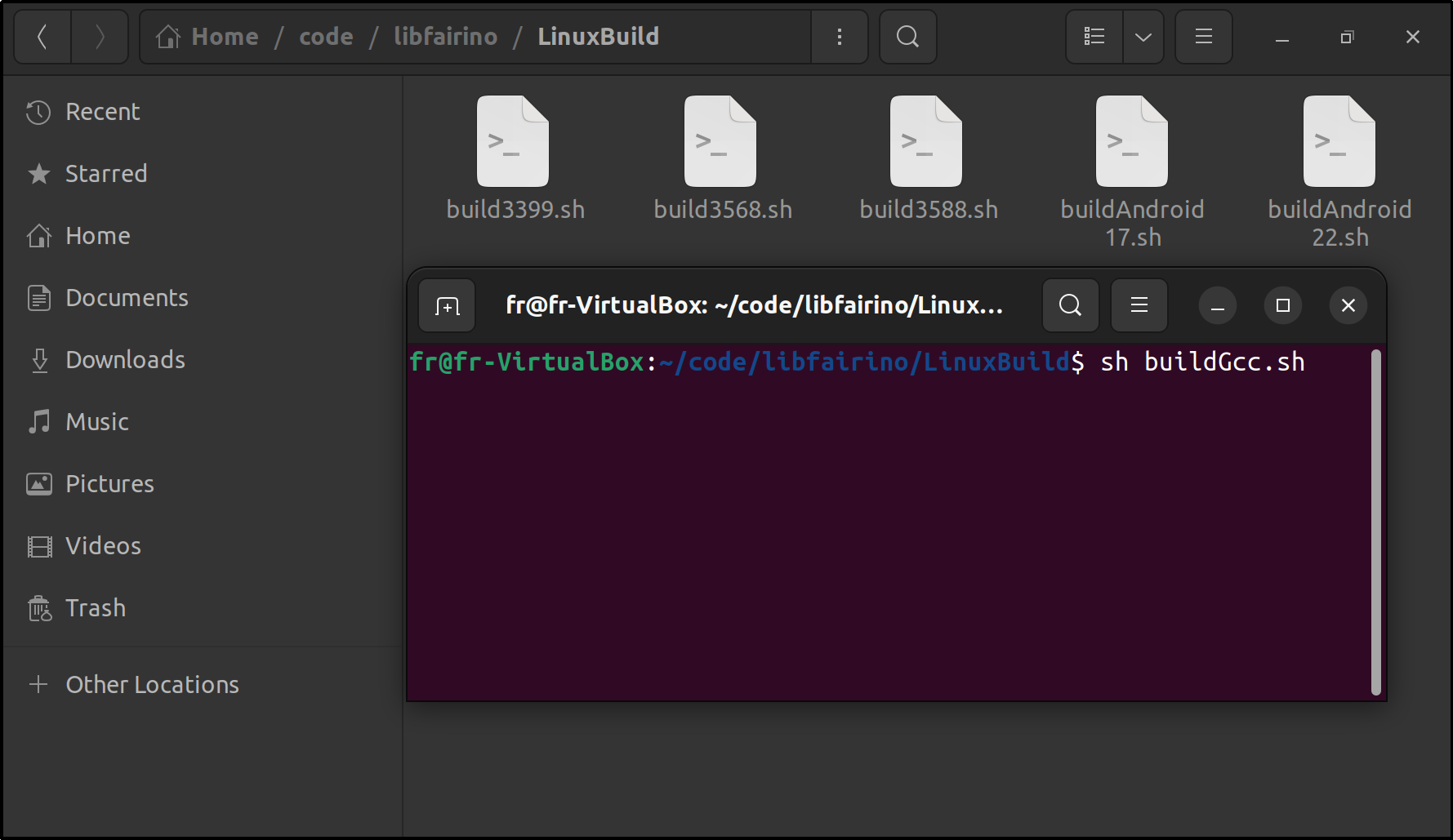
Figure 15.3‑1 Executing Build Script
② After compilation, the includeand libdirectories under libfairinolinuxBuildwill contain required header and library files.
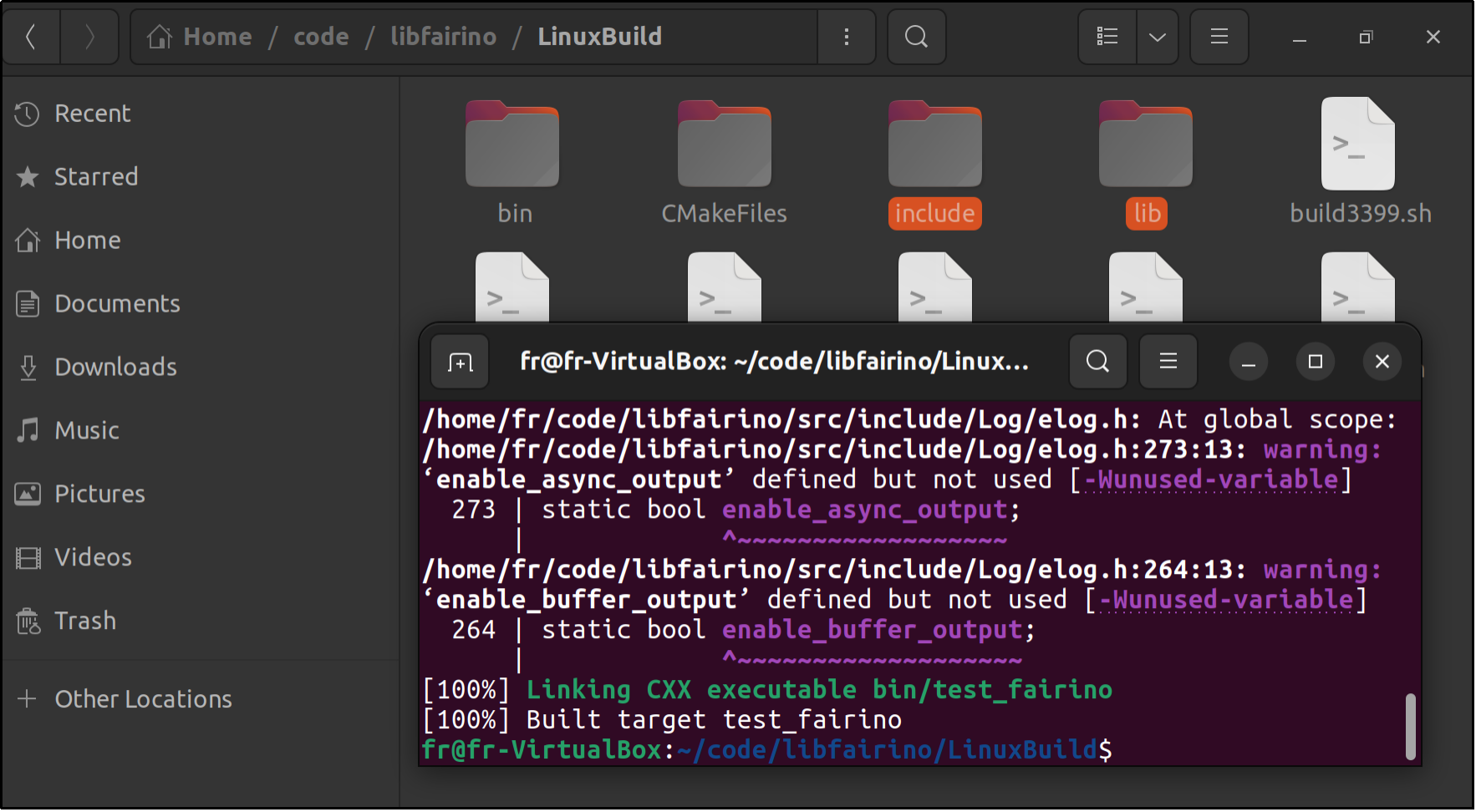
Figure 15.3‑2 Compilation Results